

Start and stop servers
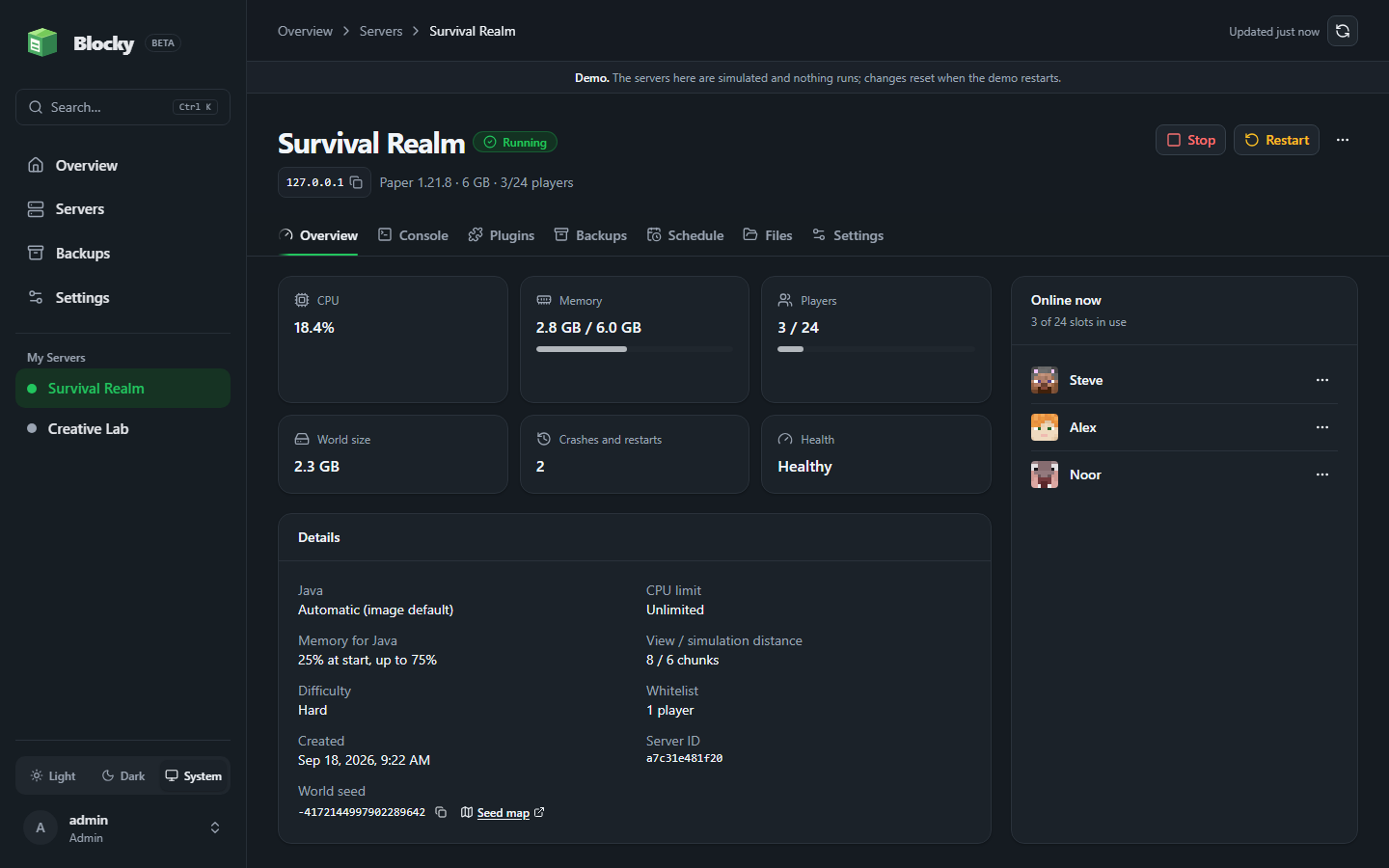
Choose a loader, version, memory limit, and port, then start, stop, or restart the server. Health, players, CPU, memory, and disk use stay visible.
A simple, self-hosted Minecraft server panel
Look after your friends’ server without touching a terminal. Bring a cheap VPS or the old laptop under the desk; Blocky handles start, stop, mods, players, files, and backups.
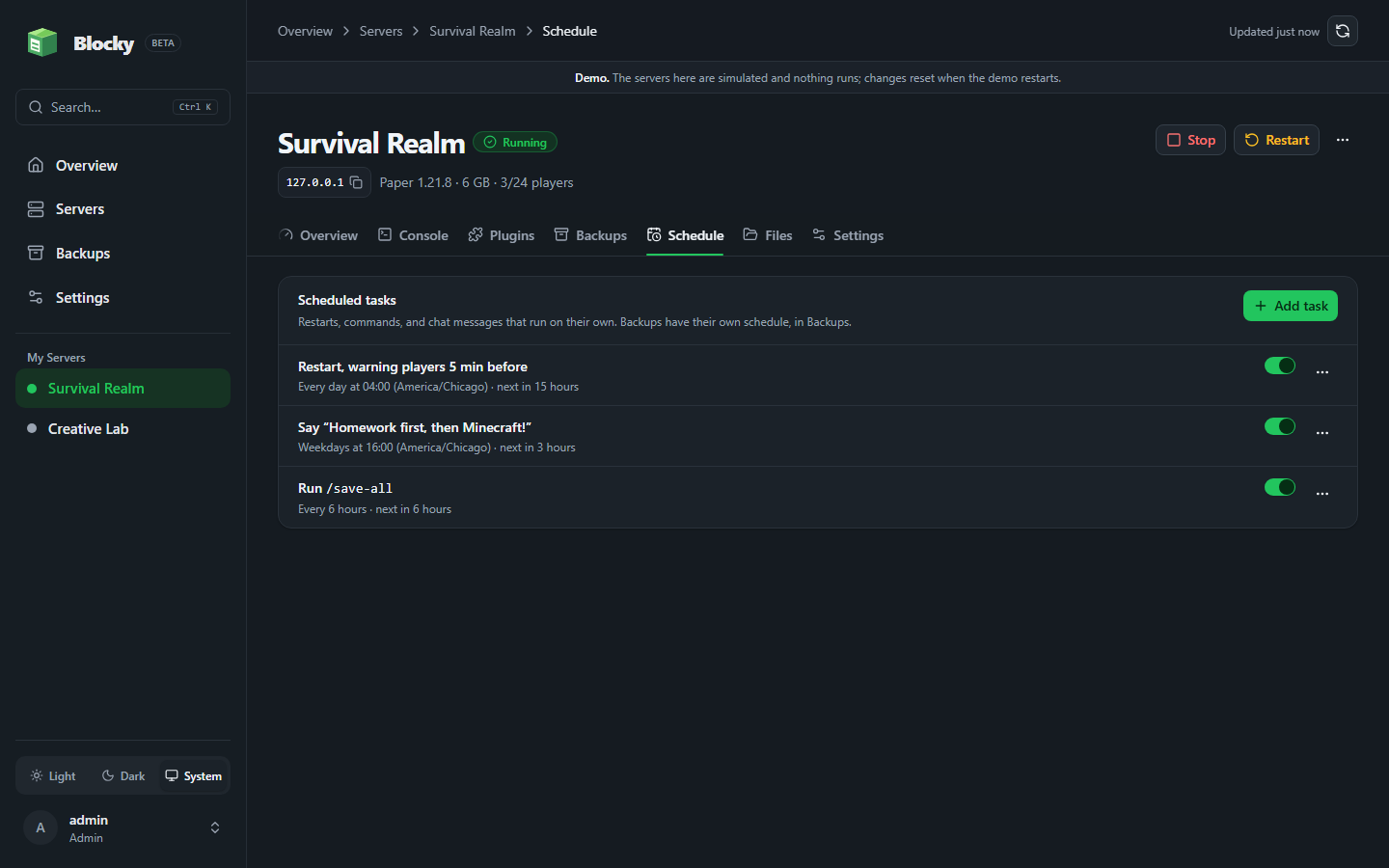
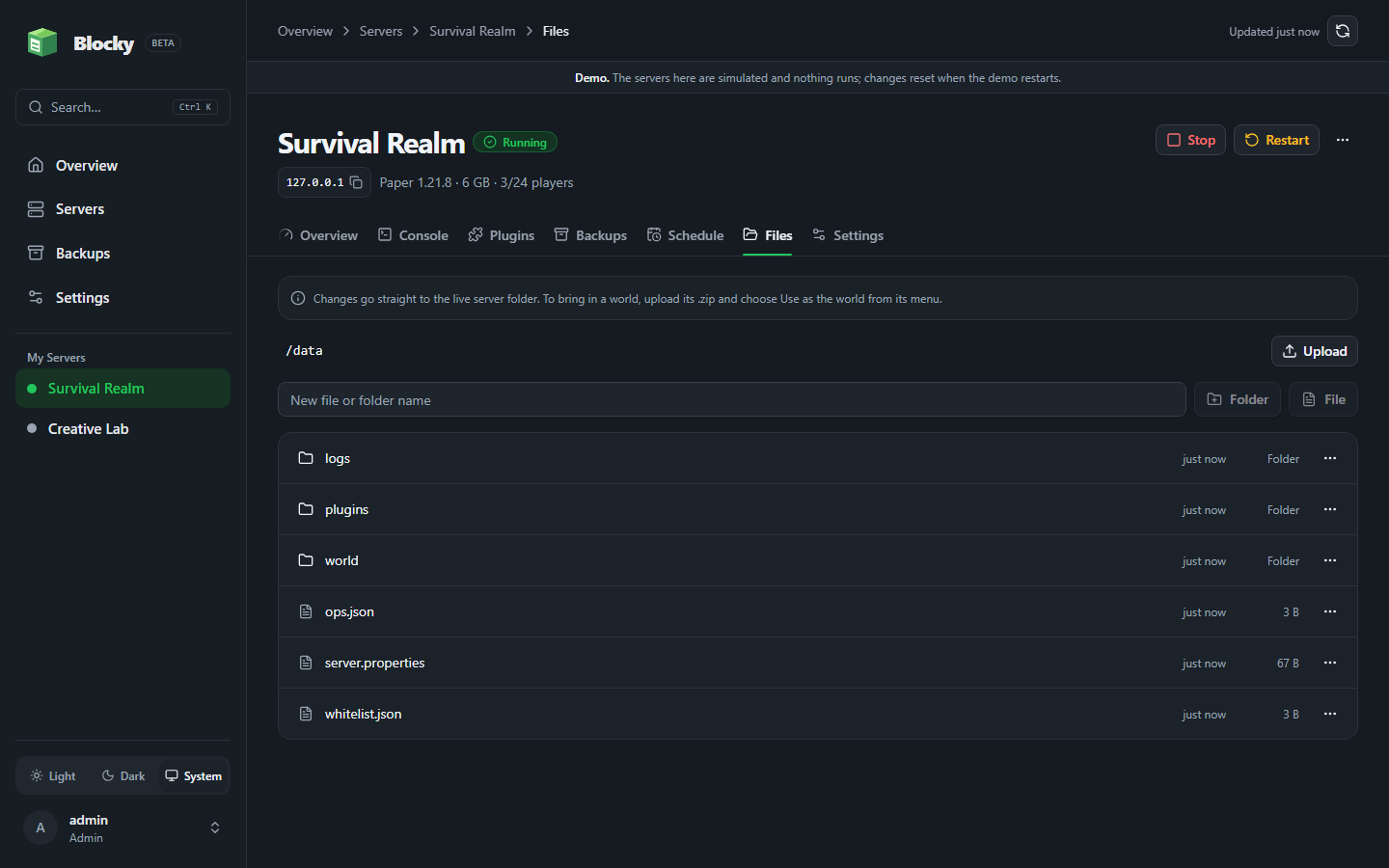
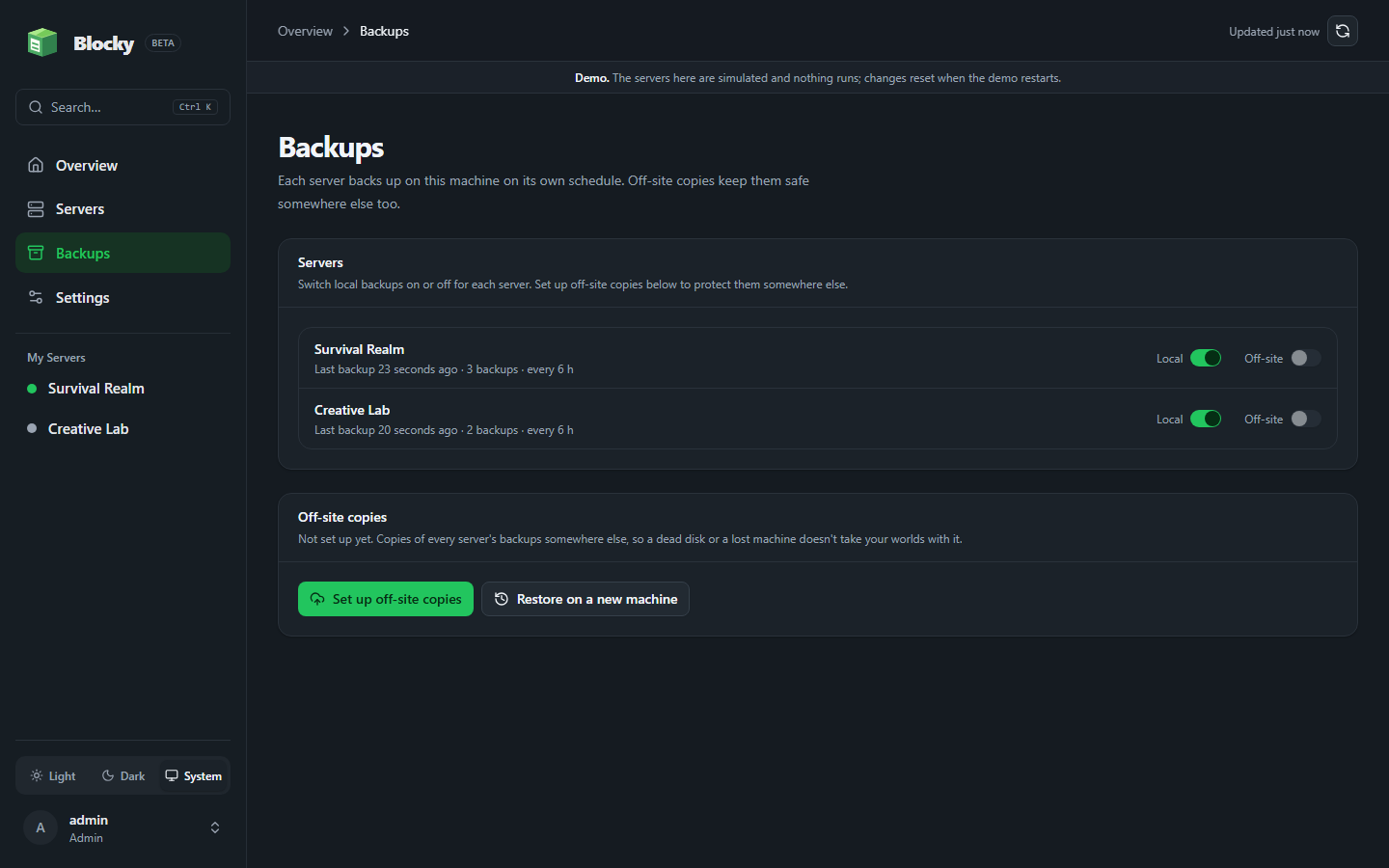
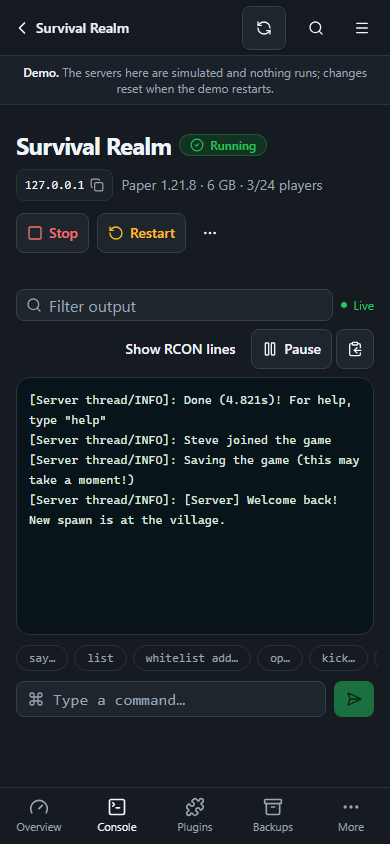
Create the server, install a loader, edit a file, or check its health without leaving Blocky. Your SSH window can stay closed.
Choose a loader, version, memory limit, and port, then start, stop, or restart the server. Health, players, CPU, memory, and disk use stay visible.

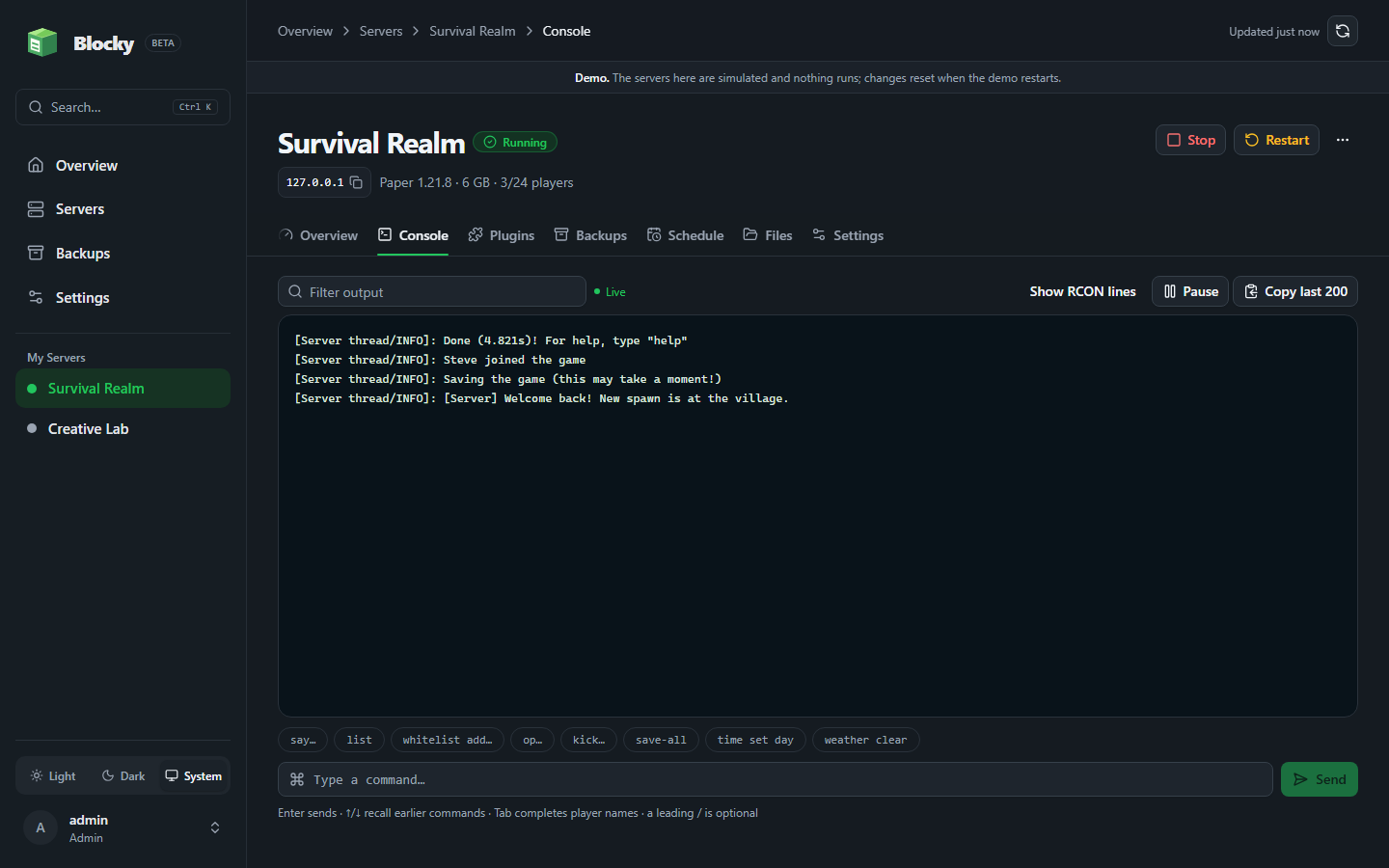
Read live output, send commands, and manage online players from the browser. There is no SSH window to keep open beside it.

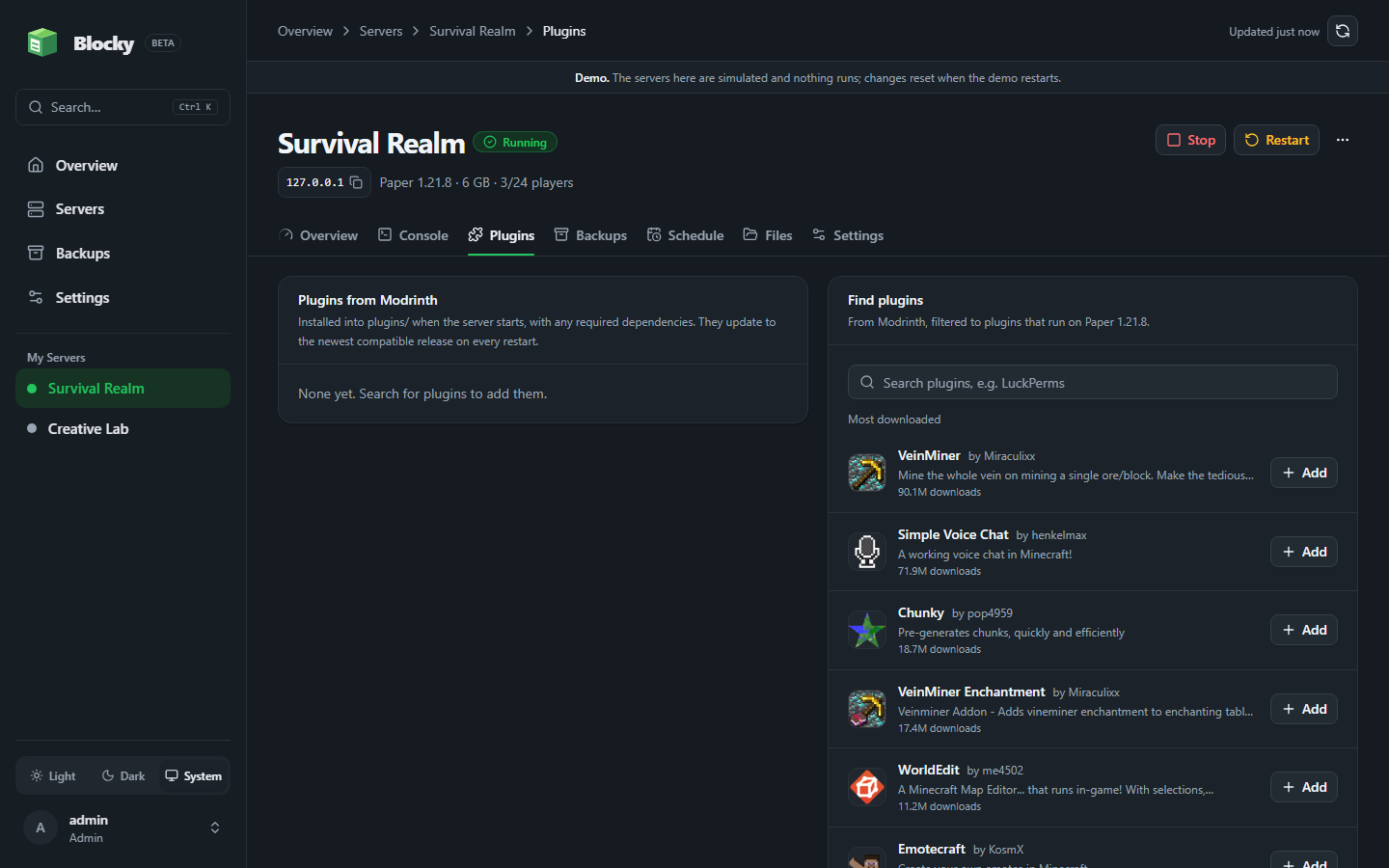
Find plugins for Paper and Purpur or mods for Fabric, Quilt, Forge, and NeoForge. Blocky checks versions and dependencies before installing.

Browse, upload, edit, and download files inside a server’s data directory. Each world keeps its own storage.

Invite admins, operators, and viewers. Roles keep settings, files, and server controls with the people who need them.

Blocky takes a safety backup before updates and settings changes, checks health afterward, and rolls back when something fails.
World protection
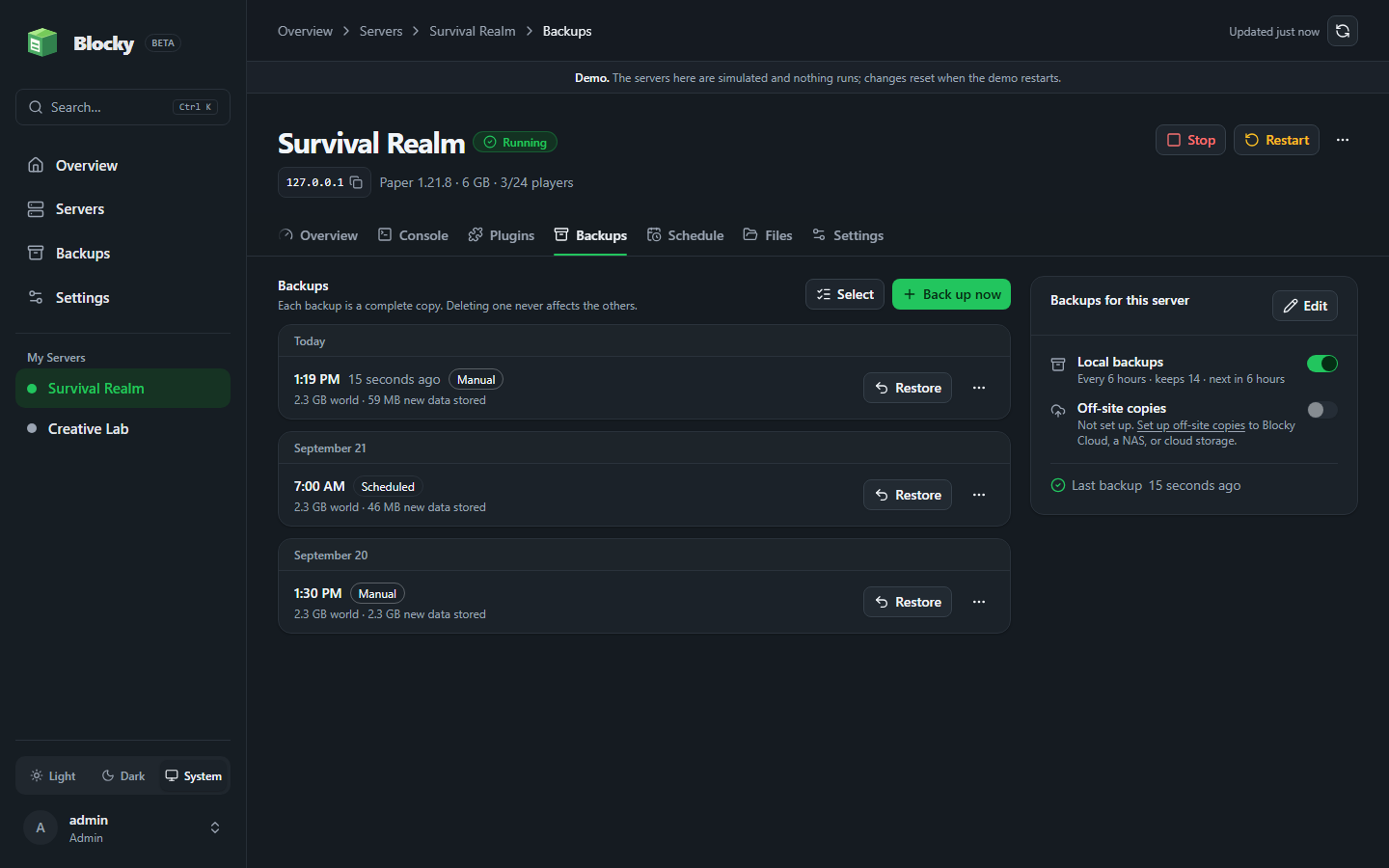
It’s called a backup. Blocky keeps incremental, deduplicated snapshots you can restore or download. Set a schedule, choose retention, and check backup health from the panel.
How Blocky backups work
Every snapshot is independently restorable. New backups reuse unchanged data, so history takes less space.

Encrypt copies before they leave the machine. Use S3-compatible storage, another disk, SFTP, or Obsidian backups on Blocky Cloud: the block a creeper can’t blow up.

Restore servers and worlds on a new machine from an offsite backup using your passphrase.
Blocky started as a dad project: a small Minecraft server for my kids and their friends. For a long time, keeping it running meant me at a terminal over SSH, restarting after a crash, hunting for the right mod version, copying the world folder before I touched anything, and hoping the restart came back clean.
That should take a minute, not an evening. Blocky is the panel I built so a server can be started, updated, and backed up from a browser tab, and so a bad update rolls back on its own instead of turning into a late-night fix.
The panels I tried first were built for hosting companies: nodes, allocations, nests, eggs, a database to stand up before you can start a single server. I only wanted one or two. So Blocky stays simple on purpose. One container, one password, and the screen you land on is the server you came to look at.

The short answers are here. The README covers configuration, security, and storage details.
No. Blocky is a self-hosted panel. You run it on your own Linux machine with Docker and choose the hardware, network, and storage.
Yes. The demo at demo.blockypanel.com runs the real panel in demo mode with a sample server, so you can click through the console, backups, files, and settings. It never touches a Docker host.
Paper, Purpur, Vanilla, Fabric, Quilt, Forge, and NeoForge. Each server has its own persistent data directory.
Yes. You can restore an incremental snapshot or download it as a portable archive. Blocky also supports scheduled backups and encrypted offsite copies.
Blocky Panel is open-source software under the AGPL-3.0 license. You provide the server and any optional storage services.
They are good panels, built to run many servers for many people. Blocky is for someone with one or two. There are no nodes, allocations, or eggs to set up, and no separate database to run. Start one container, set a password, and you are looking at your server.